
Sway
Last updated: 2024, Mon Jun 10th at 09:39 CDT
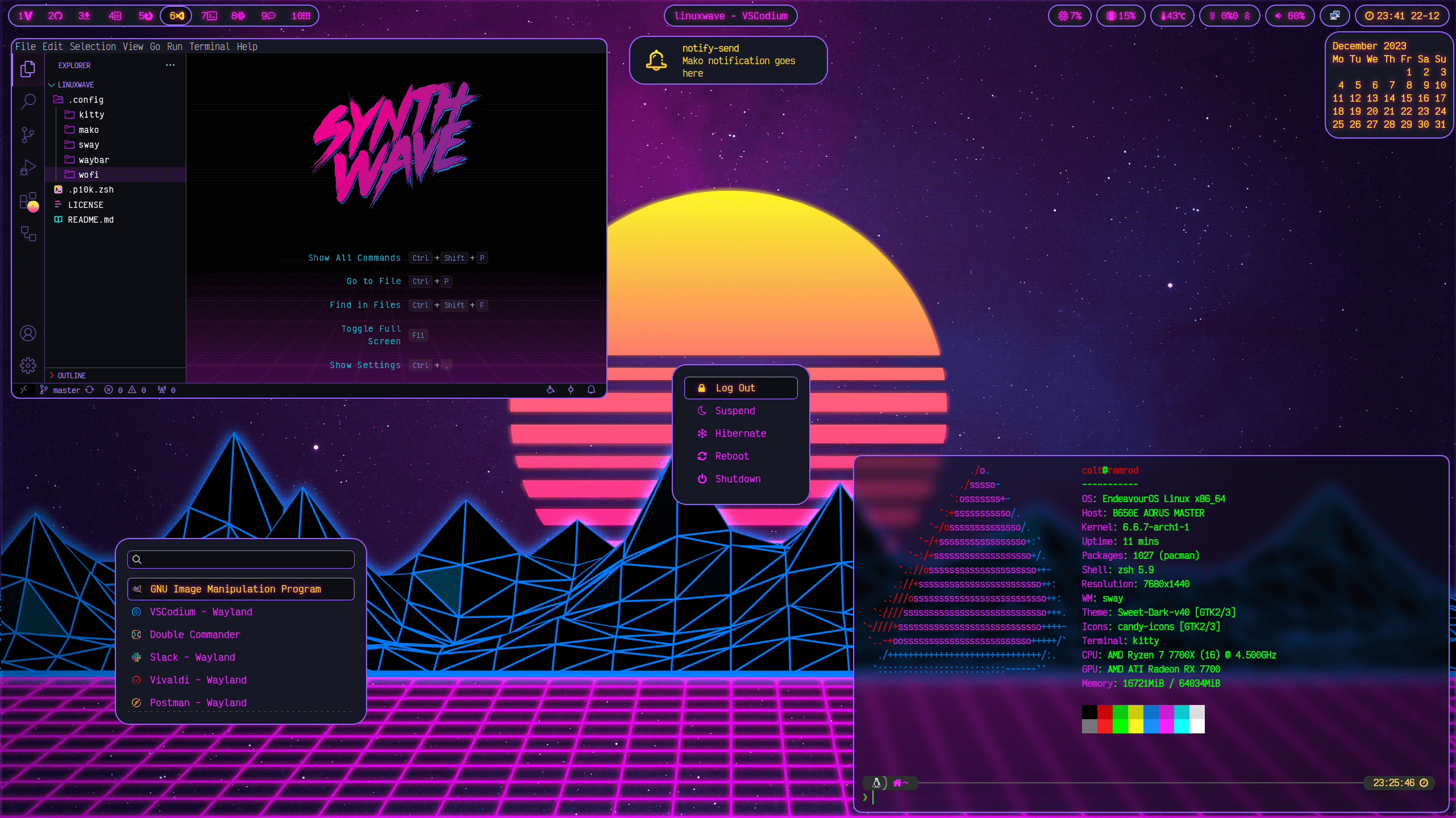
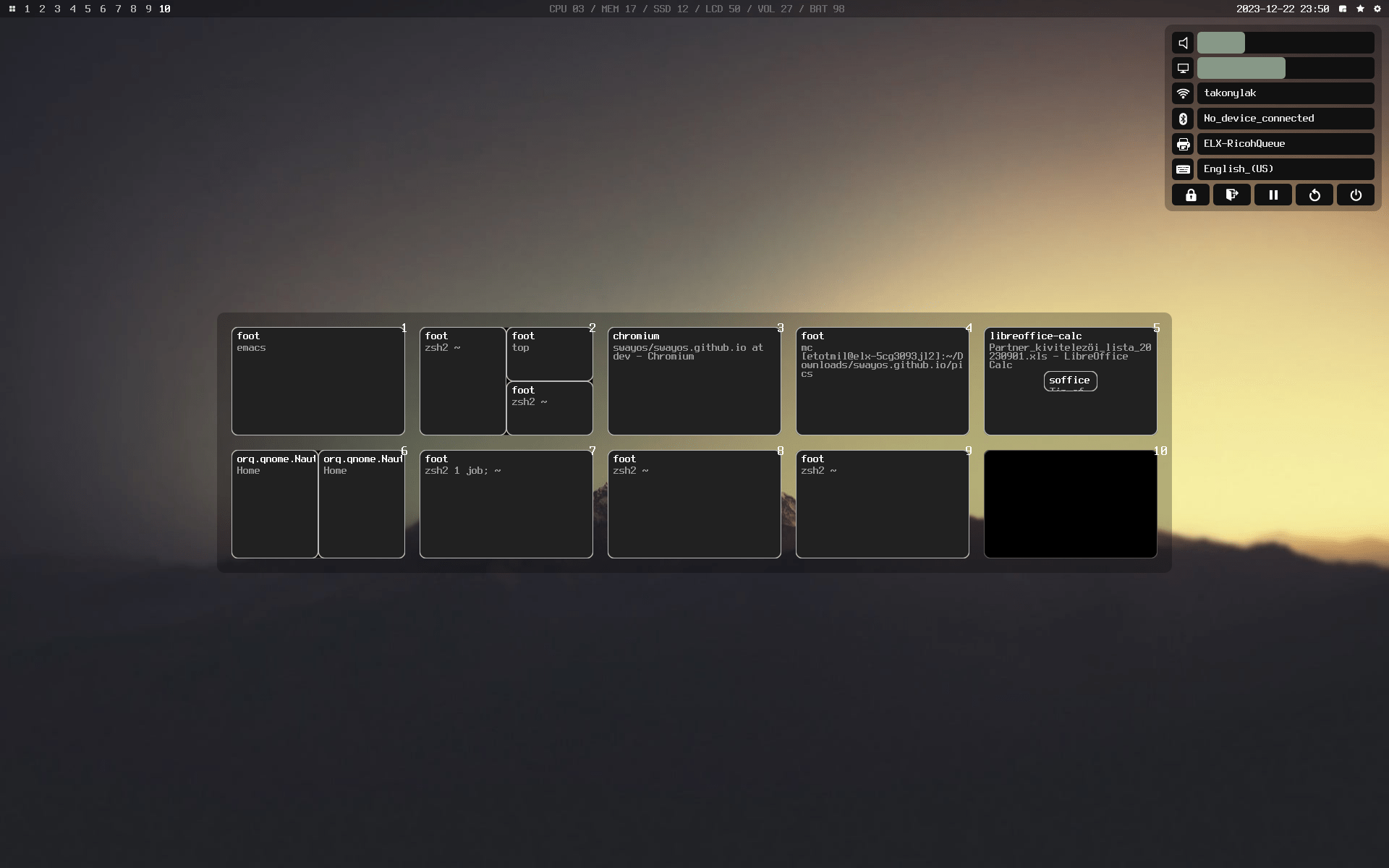
Sway is based on the i3 tiling manager but uses the wayland compositor. It will work with an existing i3 configuration and supports most of the same features and extras. Sway uses the wlroots project, that they maintain, providing a modular base for other Wayland compositors like Hyprland and Wayfire
 Official Site
GitHub
Official Site
GitHub
To Install: #
Preferred method
Sway is in most package managers, building from source is for more advance user or developers.
sudo pacman -Su sway
AUR: sway-git
sudo apt install sway
sudo dnf install sway
sudo zypper in sway
Essentials #
Start configuring sway be moving a copy of the default into ~/.config/sway/.
mkdir -p ~/.config/sway
cp /etc/sway/config ~/.config/sway/
$EDITOR ~/.config/sway/config
Extras #
Tip
Sway shares a lot of the same config options as i3
Edit the .conf file to suit your needs, more information on how and what can be configured can be found on the wiki or doing a web search for sway dotfiles may help. An i3 config can be converted/migrated, a guide can be found on the wiki. If you need or want more UI option try SwayFx.
Software #
Sway is a window manager and as such is designed to be as minimal as possible. It doesn’t have any utilities or plugins, a list of add-ons for sway on the wiki.
Suggested #
This a list of suggested programs to use on Sway. Most Window managers let you customize every detail.